Stainless Steel Laser Cutting Parameters: Complete Guide by Grade & Thickness
Getting laser cutting parameters wrong on stainless steel isn’t just an inconvenience — it’s a $500 sheet of 3mm 316L turned into scrap because someone used oxygen assist gas on a grade that demands nitrogen. After 15 years of supplying stainless steel to fabrication shops, I’ve seen this exact scenario play out more times than I’d like to count.
The problem isn’t that people don’t know laser cutting. Most operators can set up a machine in their sleep. The gap is understanding how the material itself — its grade, composition, and thickness — dictates what parameters will actually work. Equipment manufacturers publish parameter charts for “stainless steel” as if it’s one homogeneous material. It’s not. Cutting 304 is a different beast from cutting duplex 2205, and the parameters that produce a clean edge on one will leave the other a mess.
This guide fills that gap. We’re approaching laser cutting parameters from the material side — explaining why different grades behave differently under the beam, and giving you the specific parameter ranges that work.
Why Laser Cutting Parameters Matter for Stainless Steel
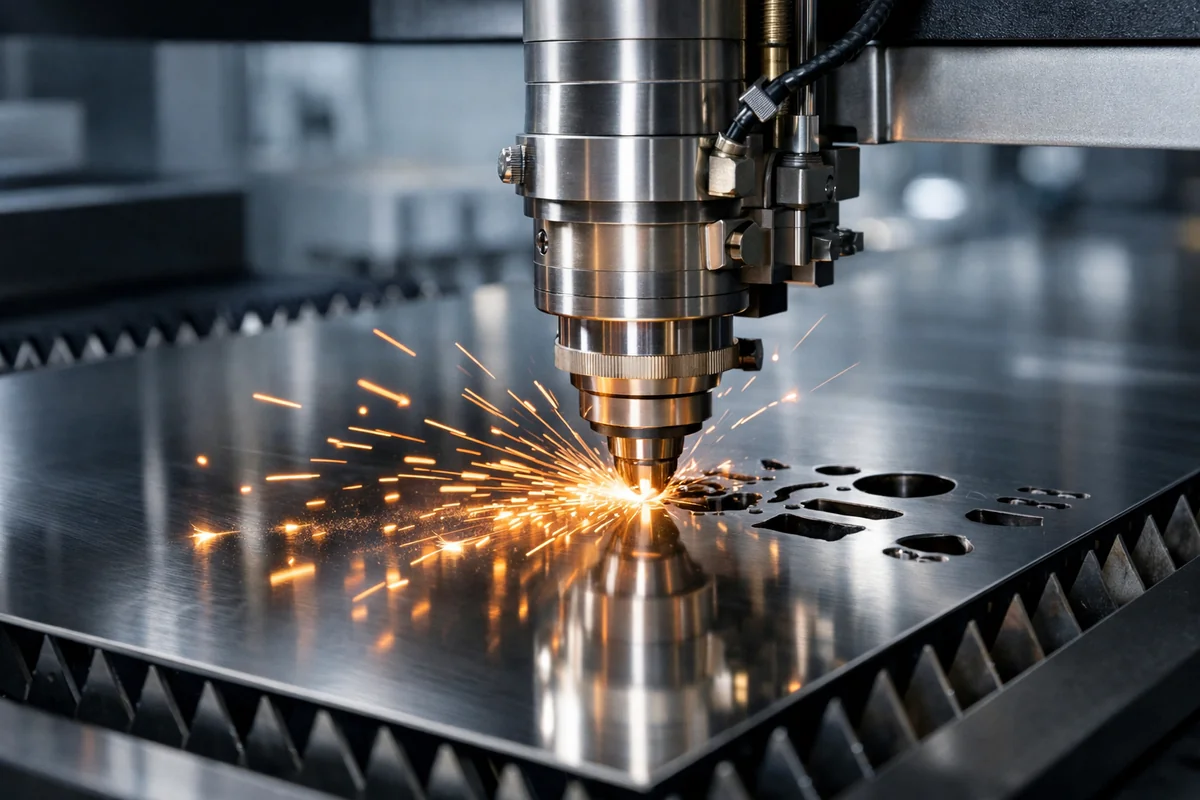
Laser cutting is a thermal process. A focused beam heats the material to its melting or vaporization point, while an assist gas blows the molten metal out of the kerf. For stainless steel, three characteristics make parameter selection more critical than with carbon steel:
High thermal conductivity variability. Austenitic grades like 304 and 316L conduct heat differently from ferritic grades like 430. Duplex grades sit somewhere in between. If your power and speed settings don’t account for this, you get either excessive heat-affected zone (HAZ) or incomplete penetration.
Work hardening. Stainless steel work-hardens rapidly. A slow or inconsistent cutting speed causes the material to harden ahead of the beam, increasing cutting resistance and degrading edge quality. This is why speed selection isn’t just about productivity — it directly affects cut quality.
Oxidation sensitivity. Unlike carbon steel, where oxide layers are acceptable, stainless steel cuts often require a bright, oxide-free edge. This makes assist gas selection (nitrogen vs. oxygen) a critical parameter, not an afterthought.
A fabrication shop we supply in Wuxi shared their experience: they were cutting 4mm 304L sheet with parameters optimized for 304. The slightly lower carbon content in 304L didn’t seem like it should matter, but the marginally different thermal behavior was enough to produce dross at the cut edge. Switching to grade-specific parameters eliminated the problem overnight.
Key Variables That Affect Cutting Parameters
Before we get to the parameter tables, let’s understand what’s actually being adjusted and why each variable matters differently for stainless steel than for other metals.
Laser Power (Watts)
Power determines the energy density delivered to the material. For stainless steel, higher power doesn’t always mean better cuts. The relationship between power and material thickness is roughly linear up to about 8mm, after which the correlation becomes more complex due to beam defocus and kerf geometry.
- 1kW fiber laser: Effective up to ~4mm stainless steel (clean cut)
- 2kW: Sweet spot for 4–8mm range
- 3kW: Handles up to 12mm with good edge quality
- 6kW+: Required for 12–25mm thick plate, though edge quality degrades above 16mm
The critical insight: power should be matched to thickness, not maximized. Overpowering thin sheet (say, using 3kW on 1mm 304) causes excessive melt pool size, wider kerf, and rough edges.
Cutting Speed
Speed controls the energy input per unit length. Too fast and the beam doesn’t fully penetrate; too slow and you get excessive HAZ, dross, and potential work hardening of the cut edge.
For stainless steel, the optimal speed window is narrower than for carbon steel. This is because stainless steel’s lower thermal conductivity means heat doesn’t dissipate away from the cut zone as efficiently — the margin between “good cut” and “overheated mess” is smaller.
Assist Gas Type and Pressure
This is where stainless steel diverges most dramatically from carbon steel:
- Nitrogen (N2): Used for clean, oxide-free cuts. The inert gas prevents oxidation of the chromium-rich surface, preserving corrosion resistance at the cut edge. Required for most stainless steel applications. Pressure typically 10–20 bar depending on thickness.
- Oxygen (O2): Used for thicker cuts where speed matters more than edge finish. Creates an exothermic reaction that boosts cutting speed, but produces an oxide layer that must be removed if corrosion resistance matters. Pressure typically 0.5–5 bar.
- Compressed air: Budget option for applications where edge finish isn’t critical. Contains ~21% oxygen, so it behaves similarly to O2 cutting but with less control.
Focus Position
For stainless steel, the focus is typically set at or slightly below the material surface. The exact position depends on thickness:
- Thin sheet (≤3mm): Focus at surface
- Medium (3–8mm): Focus 0.5–1mm below surface
- Thick (8mm+): Focus 1–2mm below surface
Incorrect focus is the #1 cause of tapered cuts and excessive dross on stainless steel. A focus error of even 0.5mm can be the difference between a clean cut and a part that needs secondary grinding.
Nozzle Diameter and Standoff Distance
Nozzle selection directly affects gas flow dynamics in the kerf. For nitrogen cutting of stainless steel:
| Material Thickness | Recommended Nozzle Diameter | Standoff Distance |
|---|---|---|
| 0.5–1.5mm | 1.0–1.5mm | 0.5–1.0mm |
| 1.5–3mm | 1.5–2.0mm | 0.5–1.0mm |
| 3–6mm | 2.0–3.0mm | 1.0–1.5mm |
| 6–12mm | 3.0–4.0mm | 1.0–2.0mm |
| 12–25mm | 4.0–5.0mm | 1.5–2.5mm |
Using a nozzle that’s too small for thick material restricts gas flow, leaving molten metal in the kerf. Too large a nozzle wastes gas and can cause turbulence that degrades cut quality.
Laser Cutting Parameters by Stainless Steel Grade
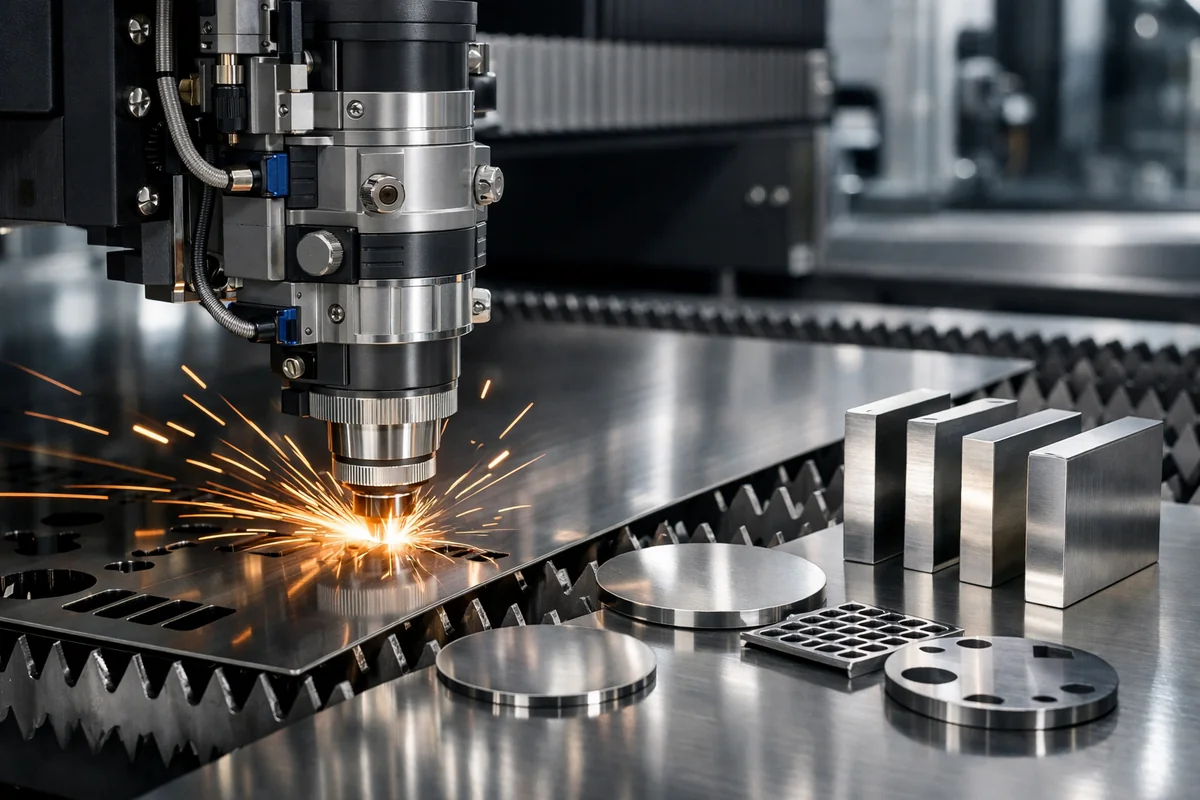
Here’s what most parameter guides miss: different stainless steel grades require different settings, even at the same thickness. The tables below provide starting-point parameters for fiber lasers (wavelength ~1.06μm) using nitrogen assist gas for clean cuts.
Austenitic Grades (304, 304L, 316, 316L)
These are the most commonly cut stainless steels. They have relatively high thermal conductivity for stainless (16.2 W/m·K for 304) and are non-magnetic. The molybdenum in 316/316L slightly reduces thermal conductivity (14.6 W/m·K), which means it requires marginally lower speed or higher power compared to 304 at the same thickness.
304/304L — Fiber Laser Cutting Parameters (Nitrogen Assist)
| Thickness (mm) | Laser Power (W) | Cutting Speed (m/min) | Gas Pressure (bar) | Focus Position |
|---|---|---|---|---|
| 0.5 | 1000 | 20–25 | 10–12 | Surface |
| 1.0 | 1000 | 12–18 | 12–15 | Surface |
| 1.5 | 1500 | 8–12 | 12–15 | Surface |
| 2.0 | 2000 | 6–9 | 14–16 | Surface to -0.5mm |
| 3.0 | 2000 | 3–5 | 14–18 | -0.5mm |
| 4.0 | 3000 | 2.5–4 | 16–18 | -0.5 to -1mm |
| 6.0 | 3000 | 1.2–2 | 16–20 | -1mm |
| 8.0 | 4000 | 0.8–1.5 | 18–20 | -1 to -1.5mm |
| 10.0 | 6000 | 0.5–1.0 | 18–20 | -1.5mm |
| 12.0 | 6000 | 0.3–0.6 | 18–20 | -1.5 to -2mm |
316/316L — Fiber Laser Cutting Parameters (Nitrogen Assist)
316L requires approximately 5–10% lower speed or 5–10% higher power compared to 304 at equivalent thickness. The molybdenum content (2–3%) increases the material’s resistance to the laser beam’s energy, requiring slightly more aggressive parameters.
| Thickness (mm) | Laser Power (W) | Cutting Speed (m/min) | Gas Pressure (bar) | Focus Position |
|---|---|---|---|---|
| 0.5 | 1000 | 18–22 | 10–12 | Surface |
| 1.0 | 1000 | 10–15 | 12–15 | Surface |
| 1.5 | 1500 | 7–11 | 12–15 | Surface |
| 2.0 | 2000 | 5–8 | 14–16 | Surface to -0.5mm |
| 3.0 | 2000 | 2.5–4.5 | 14–18 | -0.5mm |
| 4.0 | 3000 | 2–3.5 | 16–18 | -0.5 to -1mm |
| 6.0 | 3000 | 1–1.8 | 16–20 | -1mm |
| 8.0 | 4000 | 0.6–1.3 | 18–20 | -1 to -1.5mm |
| 10.0 | 6000 | 0.4–0.9 | 18–20 | -1.5mm |
| 12.0 | 6000 | 0.25–0.5 | 18–20 | -1.5 to -2mm |
Ferritic Grade (430)
430 is a chromium-only stainless steel (no nickel). Its higher thermal conductivity (26.1 W/m·K — significantly higher than austenitic grades) means heat dissipates faster from the cut zone. This actually makes it easier to cut in some respects, but the lower toughness means it’s more prone to micro-cracking at the cut edge if parameters are too aggressive.
430 — Fiber Laser Cutting Parameters (Nitrogen Assist)
| Thickness (mm) | Laser Power (W) | Cutting Speed (m/min) | Gas Pressure (bar) | Focus Position |
|---|---|---|---|---|
| 0.5 | 1000 | 22–28 | 10–12 | Surface |
| 1.0 | 1000 | 15–20 | 12–15 | Surface |
| 1.5 | 1500 | 10–14 | 12–15 | Surface |
| 2.0 | 2000 | 7–11 | 14–16 | Surface to -0.5mm |
| 3.0 | 2000 | 4–6 | 14–18 | -0.5mm |
| 4.0 | 3000 | 3–5 | 16–18 | -0.5 to -1mm |
| 6.0 | 3000 | 1.5–2.5 | 16–20 | -1mm |
Note: 430 is rarely cut above 6mm in practice. For thicker applications, austenitic or duplex grades are typically specified.
Duplex Grades (2205, 2507)
Duplex stainless steels are the most challenging to laser cut. Their dual-phase microstructure (approximately 50% austenite, 50% ferrite) gives them roughly twice the yield strength of 316L, which translates directly into higher cutting resistance. The higher thermal conductivity (19 W/m·K for 2205) partially compensates, but you’ll generally need 15–25% more power or proportionally lower speed compared to 316L.
2205 Duplex — Fiber Laser Cutting Parameters (Nitrogen Assist)
| Thickness (mm) | Laser Power (W) | Cutting Speed (m/min) | Gas Pressure (bar) | Focus Position |
|---|---|---|---|---|
| 1.0 | 1500 | 8–12 | 14–16 | Surface |
| 2.0 | 2000 | 4–7 | 16–18 | Surface to -0.5mm |
| 3.0 | 3000 | 2.5–4 | 16–18 | -0.5mm |
| 4.0 | 3000 | 1.5–3 | 18–20 | -0.5 to -1mm |
| 6.0 | 4000 | 0.8–1.5 | 18–20 | -1mm |
| 8.0 | 6000 | 0.5–1.0 | 20 | -1 to -1.5mm |
| 10.0 | 6000 | 0.3–0.6 | 20 | -1.5mm |
Key difference from austenitic grades: duplex steels are more sensitive to heat input. Excessive power or too-slow speed causes the HAZ to lose its balanced dual-phase structure, potentially reducing corrosion resistance at the cut edge. Keep parameters in the lower end of the speed range for critical applications.
Gas Selection: Nitrogen vs Oxygen for Stainless Steel
The assist gas isn’t just “air that blows the slag out.” For stainless steel, it’s a metallurgical decision.
When to Use Nitrogen
Use nitrogen for:
- Any application requiring corrosion resistance at the cut edge
- Thin to medium thickness (≤12mm)
- Parts that won’t receive secondary surface treatment
- Food-grade or pharmaceutical applications
- Parts that will be welded (oxide-free edges improve weld quality)
Nitrogen cutting produces a bright, silver edge with minimal HAZ. The trade-off is cost — nitrogen consumption increases significantly with thickness and pressure. For a shop cutting 3mm 304 all day at 15 bar, you’re looking at roughly 15–20 m³/hour of nitrogen consumption.
When to Use Oxygen
Use oxygen for:
- Thick plate cutting (12mm+) where speed matters more than edge finish
- Applications where the cut edge will be machined, ground, or coated
- Cost-sensitive jobs where secondary finishing is acceptable
Oxygen creates an exothermic reaction with the iron in the steel, adding energy to the cut and increasing speed by 30–50% compared to nitrogen. However, it produces a dark oxide layer (typically 20–50μm deep) that must be removed if the part needs corrosion resistance.
Critical warning for 316L and duplex grades: If you use oxygen cutting on 316L or duplex stainless steel and the part is intended for corrosive service, the oxide layer can create a preferential corrosion initiation site. Always use nitrogen for these grades unless you have a specific process to remove the oxide layer.
Compressed Air as a Compromise
Some shops use compressed air for cost savings. This works acceptably for 304 in non-critical applications, but the oxygen content (~21%) means you’ll get partial oxidation. Not recommended for 316L, duplex, or any application where the cut edge’s corrosion resistance matters.
Common Laser Cutting Problems and Material-Related Solutions
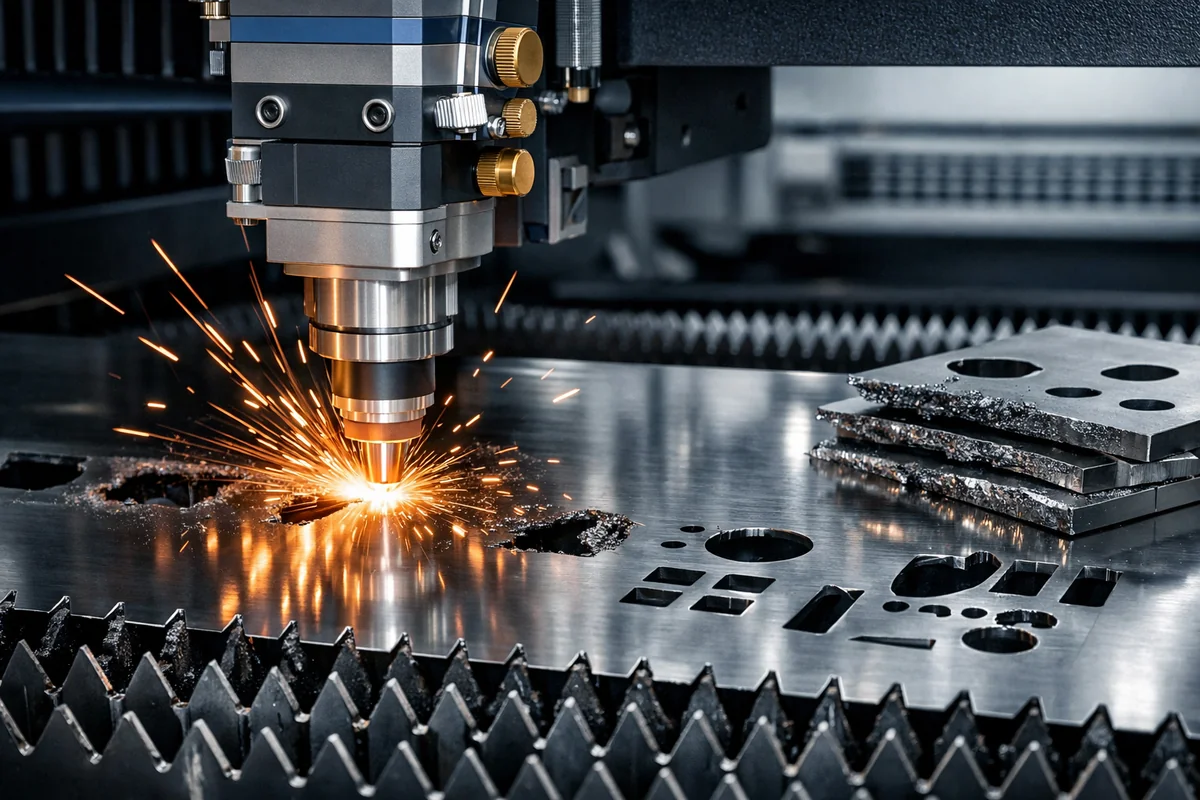
Most laser cutting troubleshooting guides focus on machine issues. Here’s what we see from the material side:
Dross at the Cut Edge
Root cause: Excessive heat input or insufficient gas pressure to clear the molten metal.
Material-specific fix: If you’re getting dross on 316L but not on 304 with the same parameters, the molybdenum content is raising the melting point slightly. Reduce speed by 10% or increase power by 10%. For duplex grades, dross is more common because of the higher melting range — increase gas pressure by 2–3 bar first, then adjust speed.
Rough or Toothed Edge
Root cause: Often caused by incorrect focus position or work hardening from too-slow cutting speed.
Material-specific fix: For austenitic grades (304, 316L), increase cutting speed by 15–20% to stay ahead of the work hardening front. For ferritic 430, the issue is more likely focus-related since 430 doesn’t work-harden as aggressively. For duplex, both factors matter — increase speed slightly AND verify focus position.
Discoloration (Blue/Straw-Colored Heat Tint)
Root cause: Excessive heat input causing surface oxidation, even with nitrogen assist gas. This happens when the nitrogen flow is insufficient to fully displace air in the kerf.
Material-specific fix: Increase gas pressure by 2–3 bar. If the problem persists, check for nozzle damage — even minor dents disrupt the laminar gas flow needed for clean stainless steel cuts. For thick duplex (>6mm), consider a dual-nozzle setup that provides better gas coverage.
Inconsistent Cut Quality Across the Sheet
Root cause: Material flatness and surface condition variations. This is a material quality issue, not a machine issue.
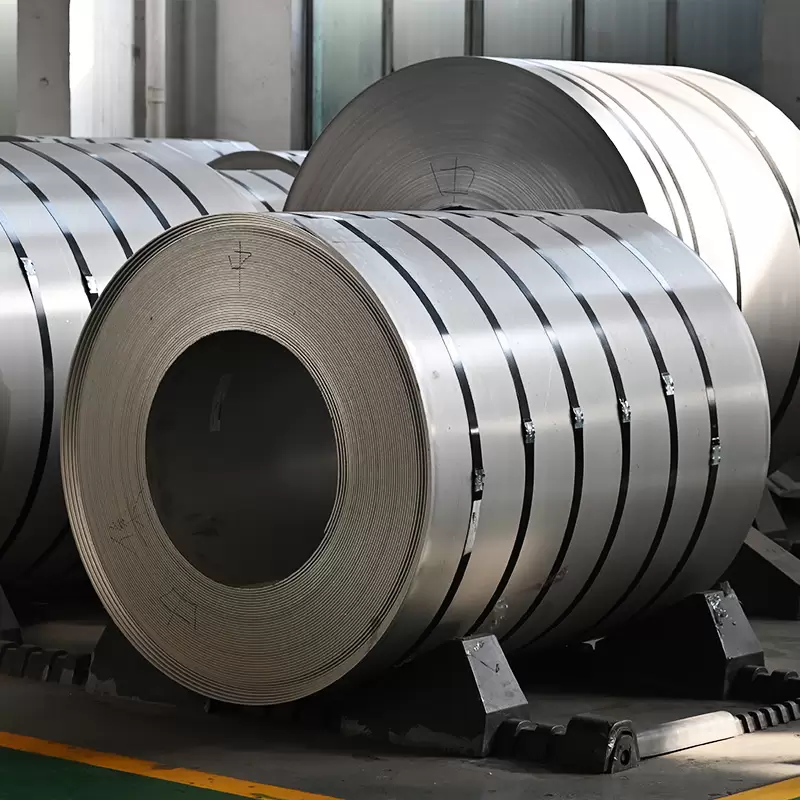
What to check: Poorly leveled coil or sheet has thickness variations that throw off your focus position. Surface contamination (oil, oxide scale, residual film) changes the absorptivity of the material at the laser wavelength. When sourcing material for laser cutting, specify:
- Flatness tolerance: ±1mm/m for thin sheet, ±2mm/m for plate
- Surface condition: 2B or BA finish (clean, consistent surface)
- Film coating: PE film for surface protection, but verify it doesn’t leave residue after cutting
Micro-Cracking at the Cut Edge
Root cause: Almost exclusively a material issue. Common with ferritic grades (430) and some martensitic grades when cut with excessive power.
Fix: Reduce laser power by 10–15% and increase speed. For 430 specifically, avoid cutting thicknesses above 4mm with nitrogen — the thermal stress at the cut edge exceeds the material’s fracture toughness. For critical applications, consider switching to 304 or 316L.
Best Practices from a Material Supplier’s Perspective
After years of working with fabrication shops on cutting issues, here are the practices that consistently produce the best results:
1. Request Material Certificates and Check Composition
Not all 304 is created equal. Mill-to-mill variations in composition (even within ASTM A240 specification limits) can affect cutting behavior. If you’re experiencing inconsistent results with a specific batch, pull the mill certificate and check the exact chromium, nickel, and molybdenum content. Small deviations at the specification boundaries can push your parameters out of the optimal range.
2. Match Material Finish to Application
For laser cutting, 2B finish provides the most consistent results. The smooth, uniform surface absorbs laser energy predictably. BA (bright annealed) finish also works well. Avoid #4 brushed or #8 mirror finish for laser cutting — the surface texture creates inconsistent absorption patterns.
3. Specify Film Coating for Surface Protection
If the finished part needs a clean surface, order material with PE (polyethylene) protective film. The film protects the surface during handling and cutting. However, verify with your laser settings that the film doesn’t leave adhesive residue — this is particularly problematic with thicker films (>50μm) and slower cutting speeds.
4. Store Material Properly Before Cutting
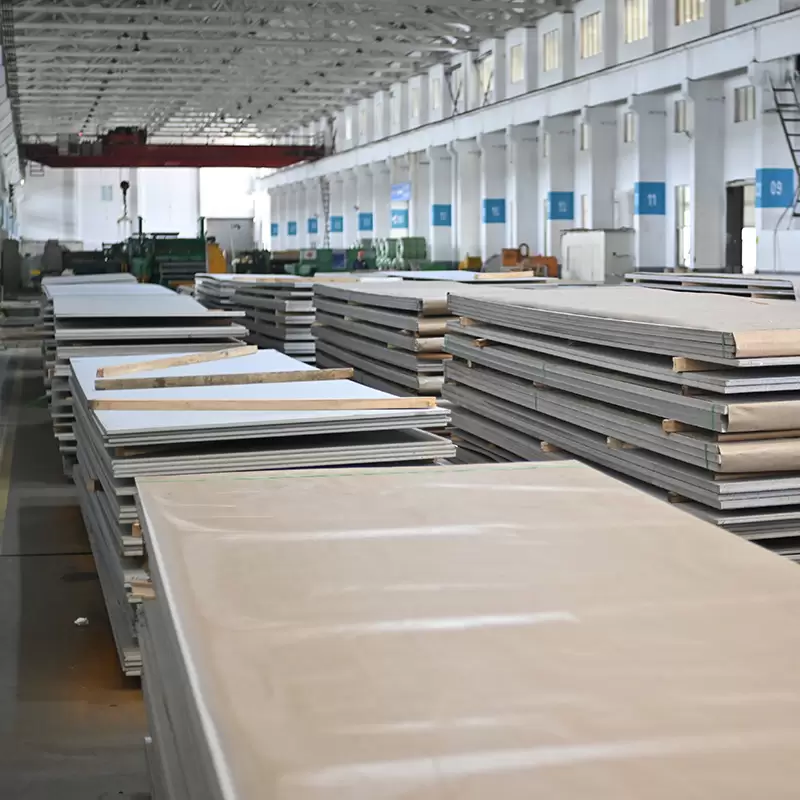
Stainless steel that’s been stored in humid conditions or in contact with carbon steel can develop surface contamination that affects cut quality. Store sheets on wooden pallets, separated from carbon steel, in a dry environment. If you notice any surface discoloration before cutting, clean the area with a stainless steel-specific cleaner.
5. Start with Material Supplier’s Recommended Parameters
When you order from a supplier that offers processing services, ask for their recommended cutting parameters for the specific grade and thickness you’re ordering. A supplier who understands their material can save you hours of parameter optimization. Our laser cutting service team tests parameters on every new batch to ensure consistency.
6. Keep a Parameter Log
Document the parameters that work for each grade/thickness combination in your shop. Include the material source and batch number. Over time, this becomes your shop’s most valuable troubleshooting reference. When a cut quality issue arises, you can compare current parameters against your proven baseline.
7. Consider Grade Substitution for Cutting-Intensive Projects
If a project specifies 304 but involves extensive laser cutting, and corrosion resistance requirements allow it, 304L may actually be easier to cut due to its lower carbon content reducing work hardening. Similarly, if a part is specified as 316 but won’t see chloride exposure, 304 will cut faster and cleaner. Always check with the engineer of record before making substitutions.
Conclusion
Stainless steel laser cutting parameters aren’t a one-size-fits-all proposition. The grade, thickness, and your specific application requirements all interact to determine the optimal settings. The parameter tables in this guide give you a solid starting point, but the real value is understanding why different grades need different settings — that knowledge lets you troubleshoot and optimize on your own.
The most common mistake we see: shops using the same parameters for every stainless steel grade and wondering why some materials cut beautifully while others cause headaches. The fix isn’t a better machine — it’s better material knowledge.
If you’re sourcing stainless steel for laser cutting applications and need material with consistent composition and surface quality, our stainless steel processing services include precision cutting with parameters optimized for each specific grade. We test every batch so you don’t have to guess.
Frequently Asked Questions
What is the best laser power for cutting 3mm stainless steel?
For 3mm stainless steel, a 2kW fiber laser is the optimal choice. At this power level, you can achieve clean cuts at 3–5 m/min for 304 grade and 2.5–4.5 m/min for 316L using nitrogen assist gas at 14–18 bar. A 1.5kW laser can handle 3mm but will be limited to lower speeds, while a 3kW laser will cut it easily but may produce a wider kerf than necessary.
Can you laser cut 304 and 316 stainless steel with the same parameters?
Not optimally. While the parameters are similar, 316/316L contains 2–3% molybdenum that slightly increases cutting resistance. Using 304 parameters on 316L typically results in 5–10% slower cutting speed or marginal dross at the cut edge. For best results, reduce speed by about 8% or increase power by 5–10% when switching from 304 to 316L.
What assist gas should I use for stainless steel laser cutting?
Nitrogen is the standard choice for stainless steel because it produces an oxide-free, corrosion-resistant cut edge. Use oxygen only when cutting thick plate (12mm+) and edge finish is not critical, or when the cut edge will receive secondary machining or grinding. Never use oxygen on 316L or duplex grades intended for corrosive service.
Why does my stainless steel develop dross after laser cutting?
Dross on stainless steel is most commonly caused by insufficient assist gas pressure, incorrect focus position, or cutting speed that’s too slow. For material-related causes, check if the sheet has thickness variations (poor leveling) or surface contamination. Increasing gas pressure by 2–3 bar and verifying focus position resolves most dross issues.
What thickness of stainless steel can a fiber laser cut?
A 1kW fiber laser can cleanly cut up to 4mm stainless steel. A 2kW handles up to 8mm. A 3kW reaches about 12mm. For thicknesses above 12mm, you need 4–6kW, and edge quality begins to degrade above 16mm regardless of power. For stainless steel thicker than 20mm, plasma or waterjet cutting may produce better edge quality.
Related Guides: Bending Radius Chart | Coil vs Sheet Comparison
Related material guides
Author: NewQiujing Group